

01
Ask.
Think of something? Ask. Need a place, have an idea, looking for someone, or want to make something happen? Put it out there and see what comes back.
 Taylor Kim@taylor.k Photo & Video
 Need a photographer for a three-day band photoshoot.
01 / Ask
Write your Ask in your own words. FLY suggests the category automatically, and you can change it before you continue.
 Photo & Video
 01
Think of something? Ask. Need a place, have an idea, looking for someone, or want to make something happen? Put it out there and see what comes back.
Taylor Kim@taylor.k Photo & Video Need a photographer for a three-day band photoshoot.
02
FLY helps organize the Ask. Review the suggested category, add the details that matter, and choose how the FLY needs to happen.
 For Home
  Events
  Business Photo & Video
  Technology
  Collabs
  For Pets
  Gaming
  Education
 03
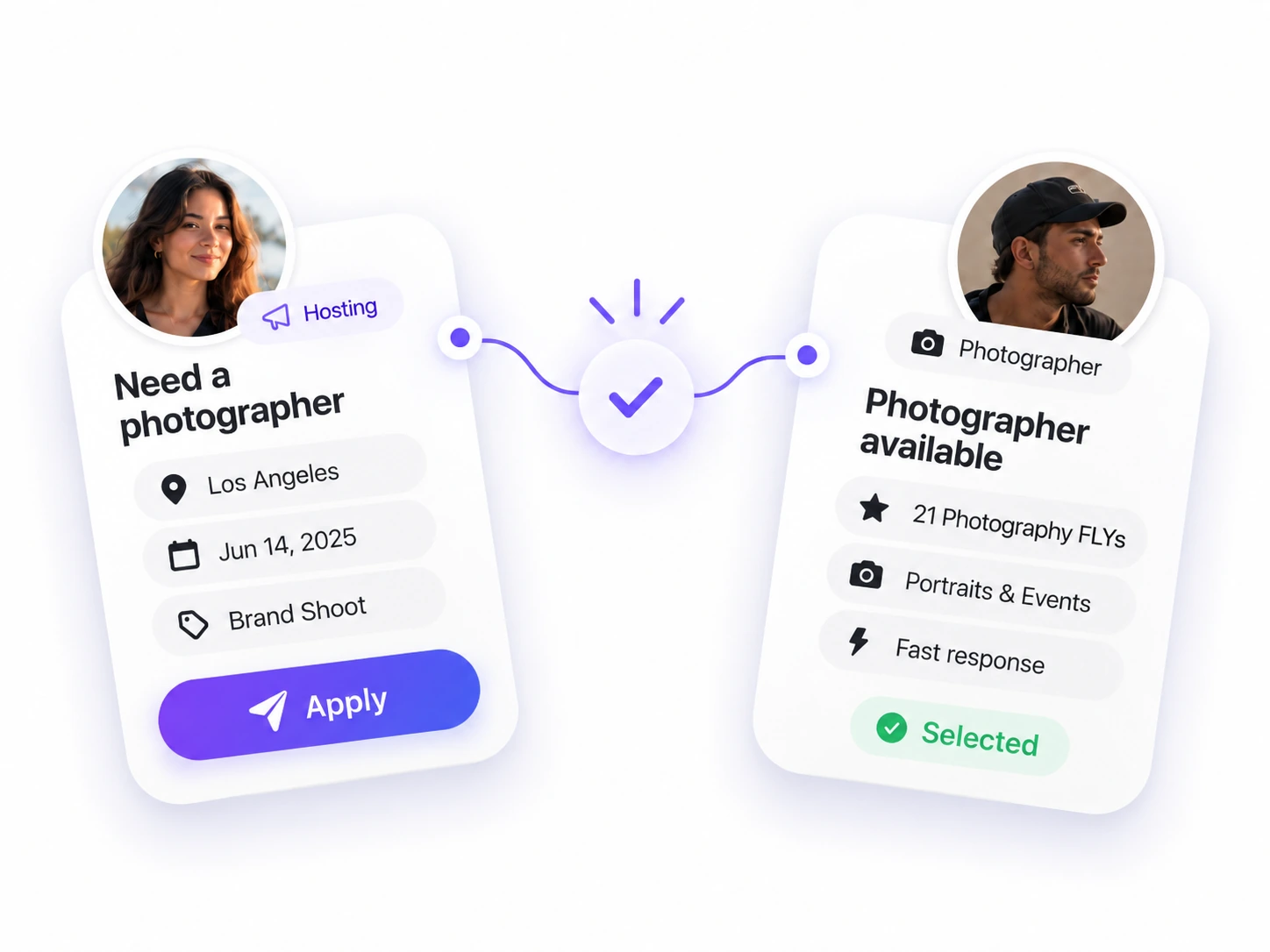
Find who fits. People discover the FLY and apply when it makes sense. Review real profiles, choose who fits, and make the connection.
04
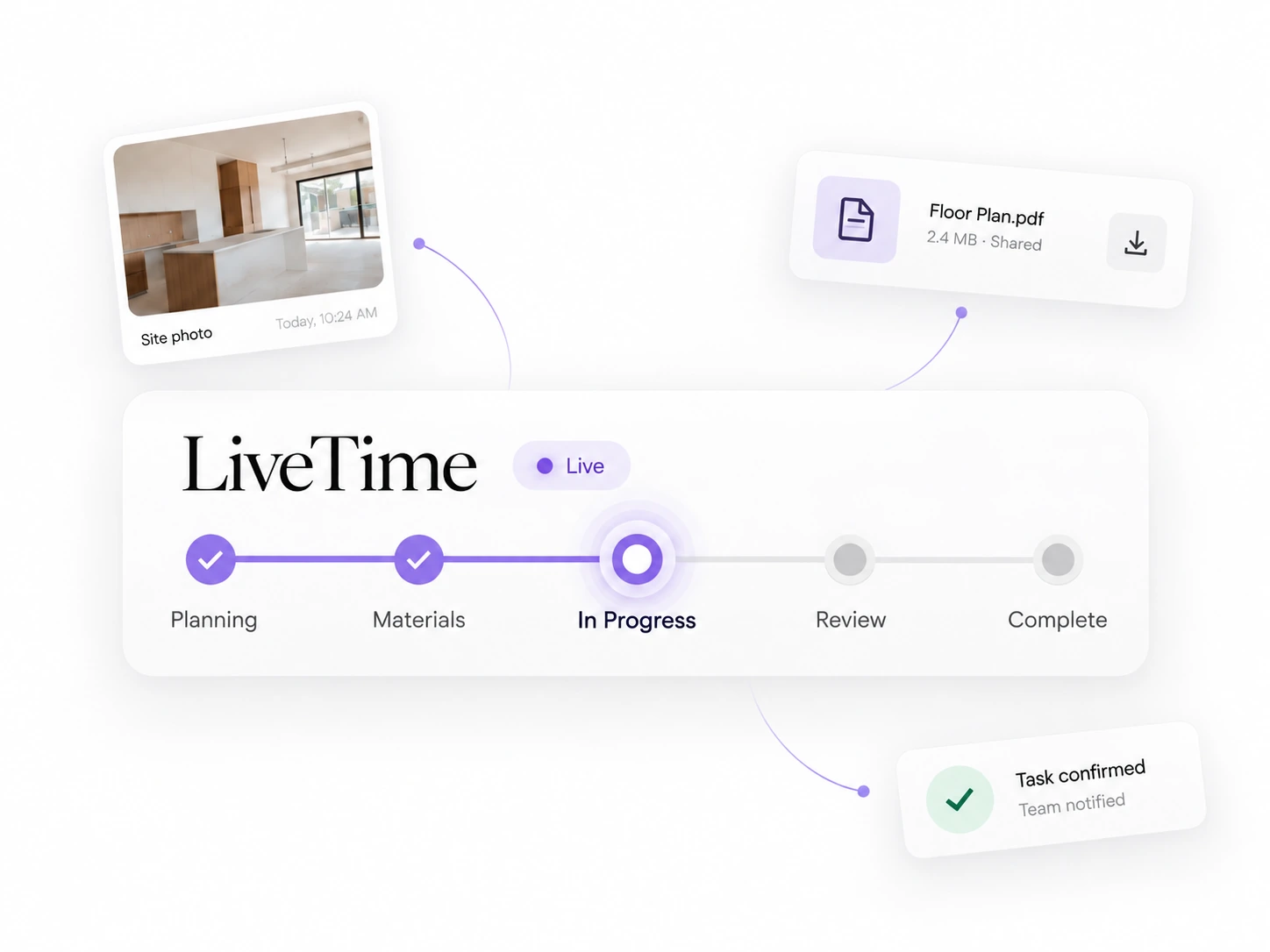
When it’s time, go Live. Keep everyone in sync while it’s happening. Follow the plan, share updates, confirm what’s done, and keep the FLY moving from start to finish.
05
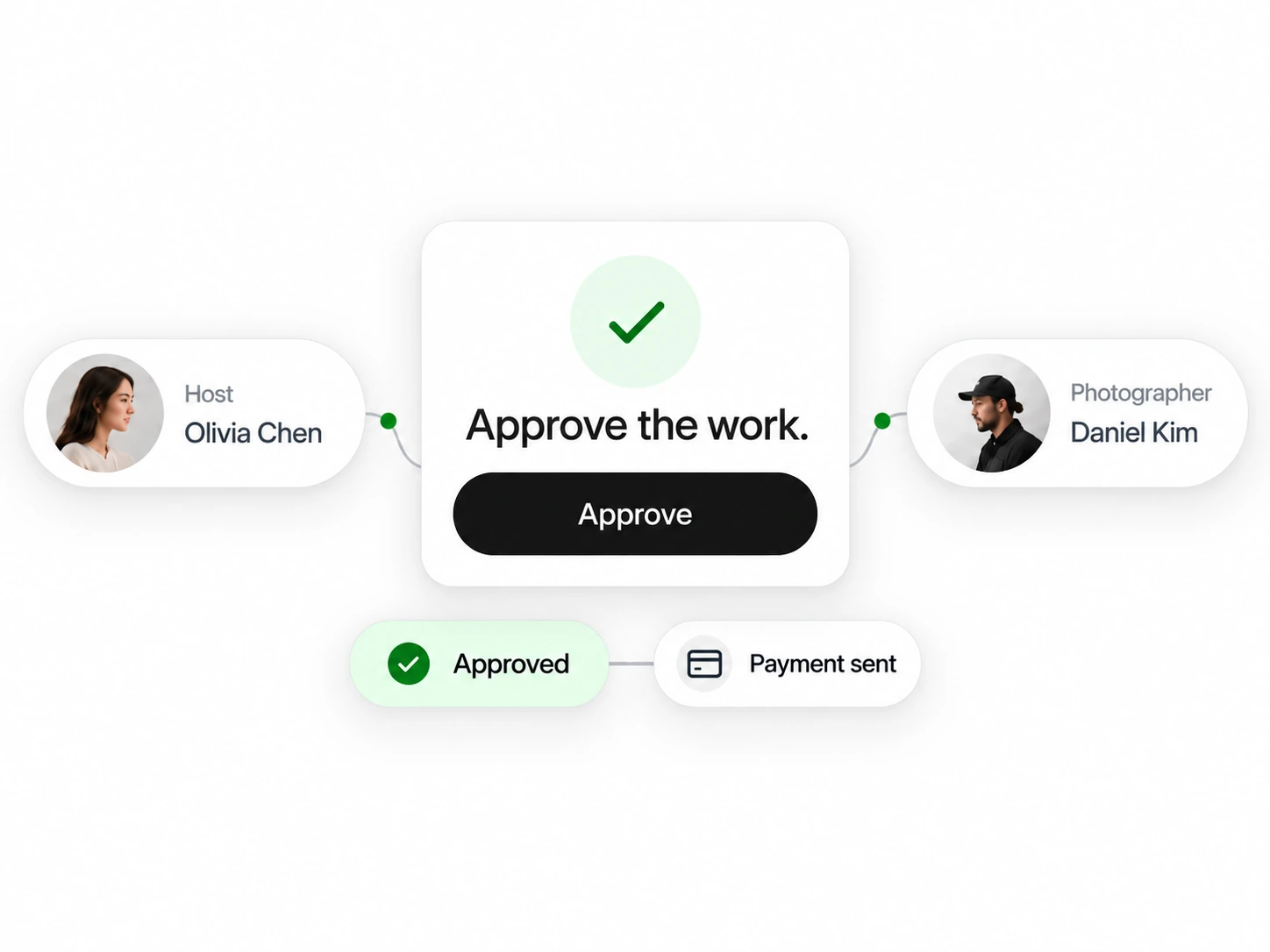
Finish it together. Review what happened, confirm completion together, and close out payment when payment is part of the FLY.
06
Every FLY grows your network. Keep the connections that worked, come back when new needs arise, and build a network that gets more useful every time.



Needs
network in motion
Swipe, scroll, or use the arrows to move through the six steps.
Categories & FLY types
LiveTime
When the FLY starts, LiveTime keeps the plan, progress, files and completion in one shared flow.
Explore LiveTimeFollow the plan
Keep goals, materials and key details in one place.
Share progress
Add updates, photos and files while the FLY is happening.
Confirm & complete
Review what’s done, confirm it together and close the FLY.
FLY Unlimited
Open the marketplace around you.